Download the map. Drive without a signal.
MapMap Nav is a turn-by-turn app, built in the UK on our own maps. Download a country or region once and the map, routing and guidance need no signal.


What it does.
Everything on this page is in the first release.
Whole countries, downloaded once.
Pick a country or region and keep it on the phone. The map, routing and guidance then work with no signal. The whole of the UK is 5.7 GB; the Isle of Man is about 14 MB. Downloads need a verified email address.


Car, lorry, bike or on foot, with the traffic costed in.
Fastest and alternative routes side by side. Lorry mode takes your vehicle’s dimensions and its ADR tunnel category. Route times use live National Highways speeds on England’s motorways and major A roads, and the preview shows the minutes traffic adds.


Fuel, charging and coffee, each with its detour.
While you drive, ask for what you need along the route and each result shows how many minutes it adds. This needs a connection. The charging results come from the operator feeds we carry, so a gap in the list is a gap in the data, not proof there is nothing there.


A recorded MapMap voice, and a button you can talk to.
Directions are spoken from recorded clips in the MapMap voice, a female or male British English voice made on our own servers, with 643 clips bundled in the app. With a connection, turns are anchored to what you can see: turn right, after the Crown Hotel. Road and landmark names are fetched for each route; without a connection a short tone marks the turn. Hold the button and say what you need: what is ahead, repeat that, mute. Speech is recognised on the phone and nothing is recorded or sent.


Your trips stay on your phone.
At the end of a drive you get a summary you can save or share. Trips are never sent to MapMap, never compared or scored.


Every screen, on iPhone and Android.
Captured from the release build.


Coming to foldables.
Open the phone and the map fills it, with the plan and guidance floating over it. Close it and guidance carries on.
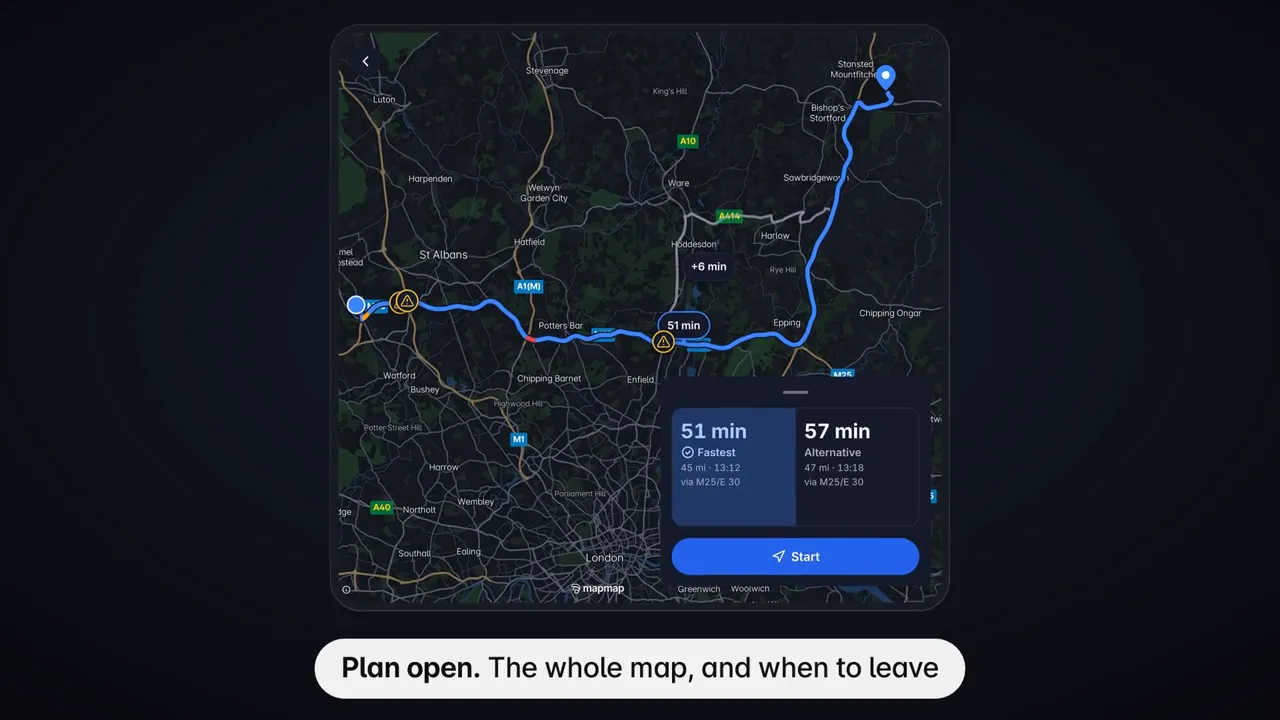
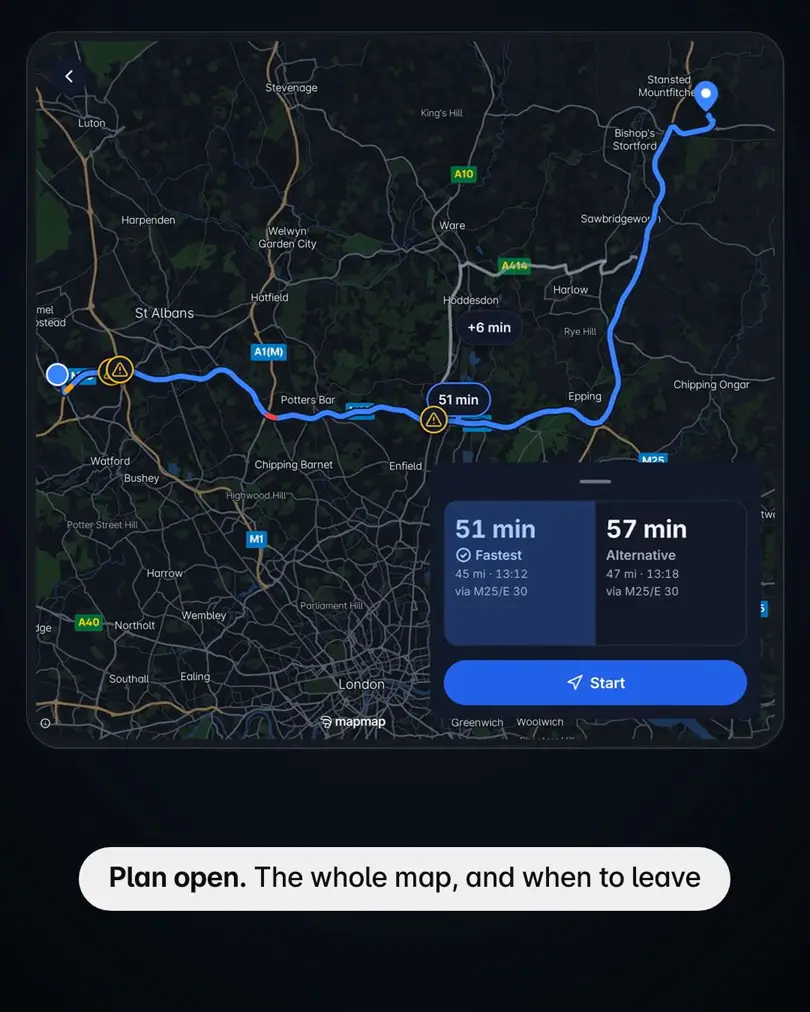
© OpenStreetMap contributors © OpenMapTiles · Powered by National Highways' Transport Data Feeds
Shown on an Android foldable emulator. Not in the first store release.
Questions.
- Does it work with no signal?
- Yes, once you have downloaded the area. The map, routing and guidance run on the phone. Offline search is on Android in this release. Road and landmark names in the voice need a connection; without one a short tone marks each turn.
- Which phones?
- iPhone, and Android phones and tablets. There is no iPad layout in this release.
- What does it cost?
- Nothing. There are no in-app purchases.
- Do I need an account?
- No. You can skip the email address when you first open the app. A verified email is needed to download offline areas, or to carry on past the monthly limit for use without one.
- Where does the traffic come from?
- Live speeds and incidents from National Highways, covering England’s motorways and major A roads. Elsewhere, including central London, there is no live feed.
- Does it send my location anywhere?
- Your trips stay on your phone and are never sent to MapMap. Some features send your position while you have a connection: the faster-route check about every two minutes, the country lookup, naming a pin, and fetching the voice clips for a route. The privacy policy lists every one.
- Does it work on the car’s screen?
- Not in this release. CarPlay and Android Auto are not part of version 1.0.
- Where can I use it?
- The app is in British English and built in the UK. Traffic and incident data cover England. Offline areas are available by country and region; the list is in the app.
Built on the MapMap platform.
The same SDKs, routing and tiles that power this app are yours to build with.
Your brand, this app.
A finished navigation app for your business, under your own name, icon, colours and voice, built on MapMap’s own maps and routing.
What your app comes with.
Offline countries and regions, live traffic from National Highways on England’s motorways and major A roads, recorded voice guidance, and Demo drive, which plays a route without moving.
Brand and ship. We build the whole app under your brand and deliver it to the App Store and Google Play.
Embed it. Use the same maps, routing and turn-by-turn guidance inside your own app with the MapMap mobile SDKs.
Get MapMap Nav.
MapMap Nav is free, with no in-app purchases.


Google Play and the Google Play logo are trademarks of Google LLC.